related blog
%20(3).svg)
2
Project Timeline Planner
Plan your construction project with ease! Use our free Project Timeline Planner to map phases, set deadlines, and visualize key milestones.
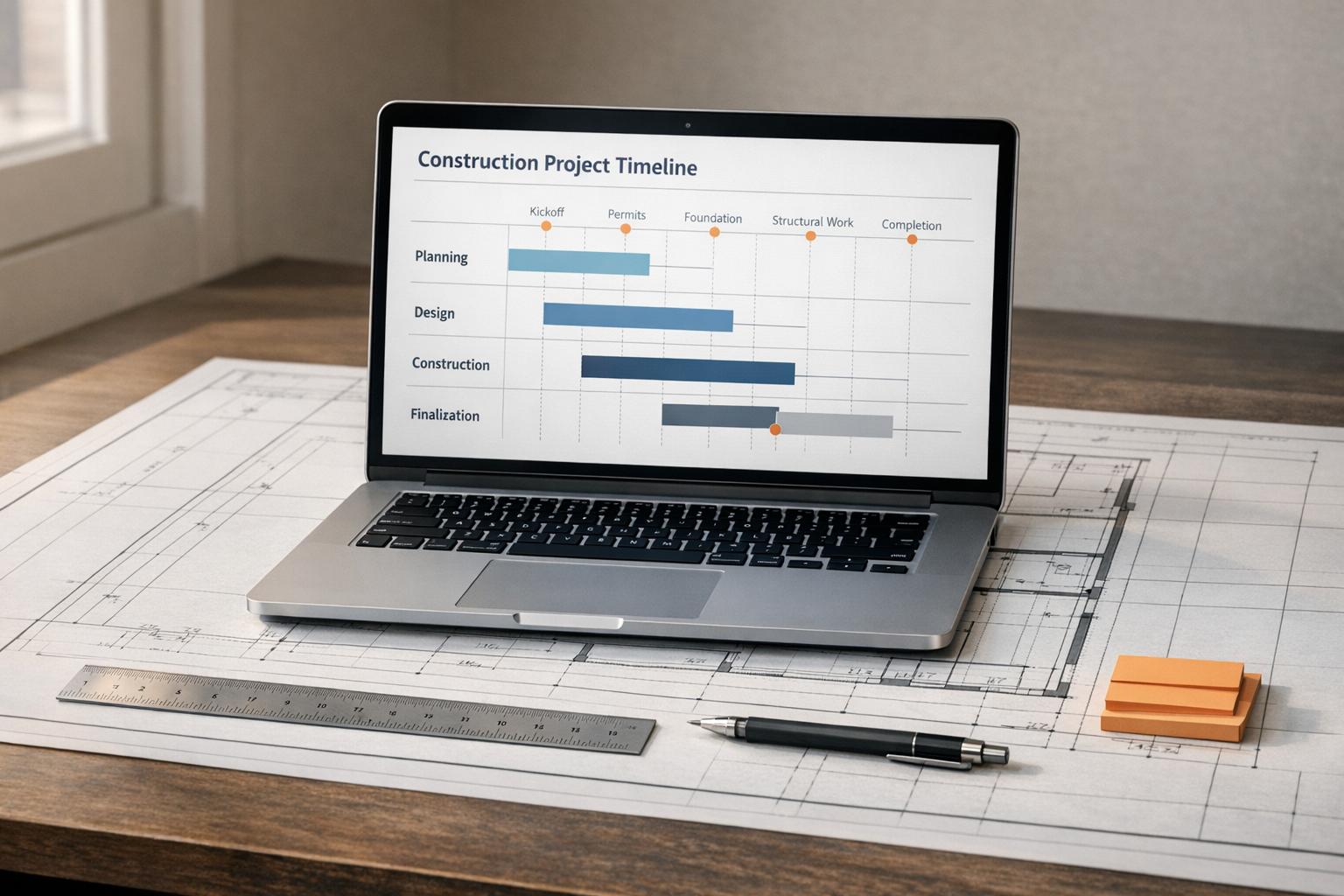
Plan Your Build with a Construction Project Timeline Tool
Managing a construction project—whether it’s a cozy home renovation or a full-scale new build—requires careful coordination of countless moving parts. A well-structured schedule can be the difference between a smooth process and a stressful mess. That’s where a digital planner for project phases comes in handy. It lets you visualize key stages, set realistic deadlines, and keep everyone on the same page.
Why Mapping Out Phases Matters
From securing permits to laying the foundation, every step in a build has its own timeline and dependencies. Miss one deadline, and the domino effect can delay everything. By using a tool to outline each milestone, you gain clarity on what needs to happen when. You can anticipate bottlenecks, allocate resources wisely, and communicate effectively with contractors. Plus, having a clear end date in sight helps maintain momentum.
Stay Flexible for the Unexpected
Even the best plans can shift due to weather, material shortages, or other surprises. A good scheduling resource accounts for this by offering adjustable inputs, so you’re not locked into rigid dates. Whether you’re a DIY enthusiast or a seasoned builder, taking control of your project’s rhythm is empowering. Start mapping your journey today and watch the pieces fall into place.
FAQs
How accurate is the project timeline generated by this tool?
The timeline is a solid starting point based on typical durations and dependencies for construction phases. That said, every project is unique, and real-world factors like weather, supply chain hiccups, or permitting delays can push things off track. Use this as a guide to plan and communicate with your team, but build in some buffer time for the unexpected.
Can I customize the milestones for my specific project?
Absolutely! We’ve included common milestones like foundation and finishing with default durations, but you can adjust those or add your own. If your project has unique steps, just pop them in and set the timing. The tool will still sequence everything logically based on dependencies.
Does the tool account for overlapping tasks or parallel work?
Right now, the tool focuses on a linear sequence with key dependencies, like ensuring framing doesn’t start before the foundation is done. It doesn’t automatically handle overlapping tasks, but you can tweak durations and dates manually to reflect parallel work. We’re working on adding more flexibility for complex schedules soon!

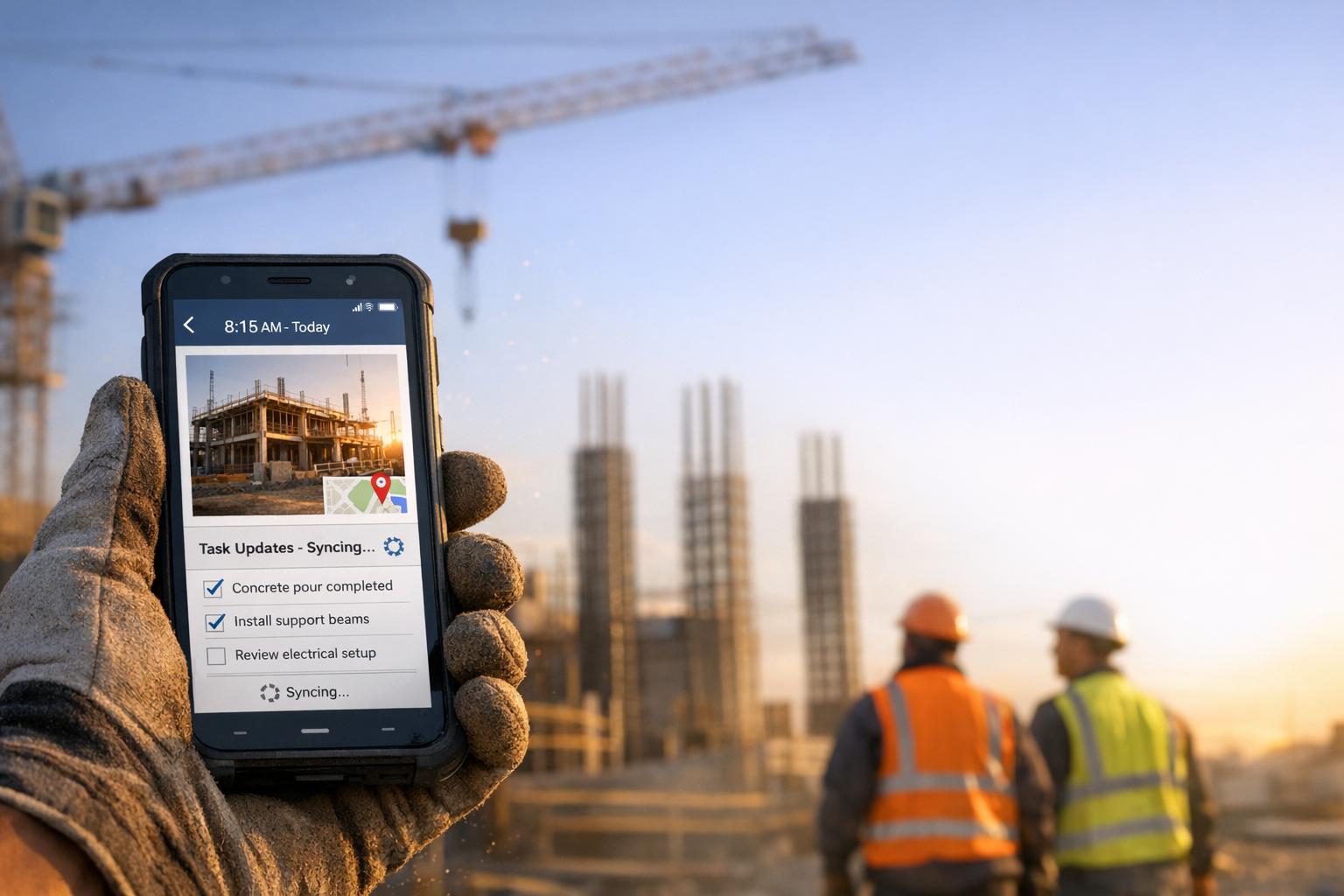
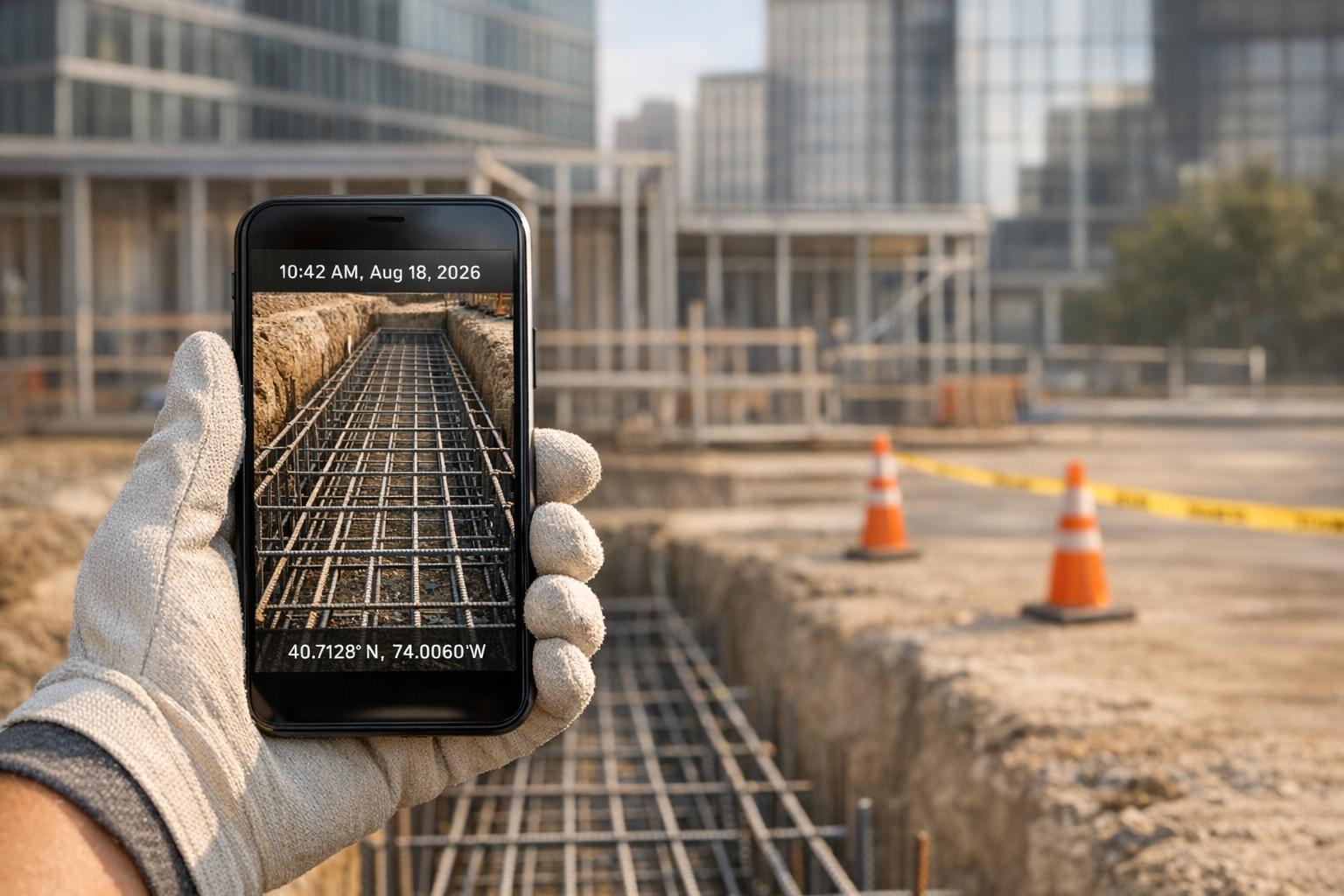
See CrewCam in action
Start your free trial now by clicking the button below


Wanna chat or demo?
Questions? Concerns? Requests? Talk to a real human

Watch a CrewCam demo now 😎
Short on time, busy, got jobs to do? See how CrewCam works now!